
Description
ZF 8HP CAN Display and Round Touchscreen Gear Indicator
Touchscreen Gear Indicator and Configurable CAN-Bus Dashboard
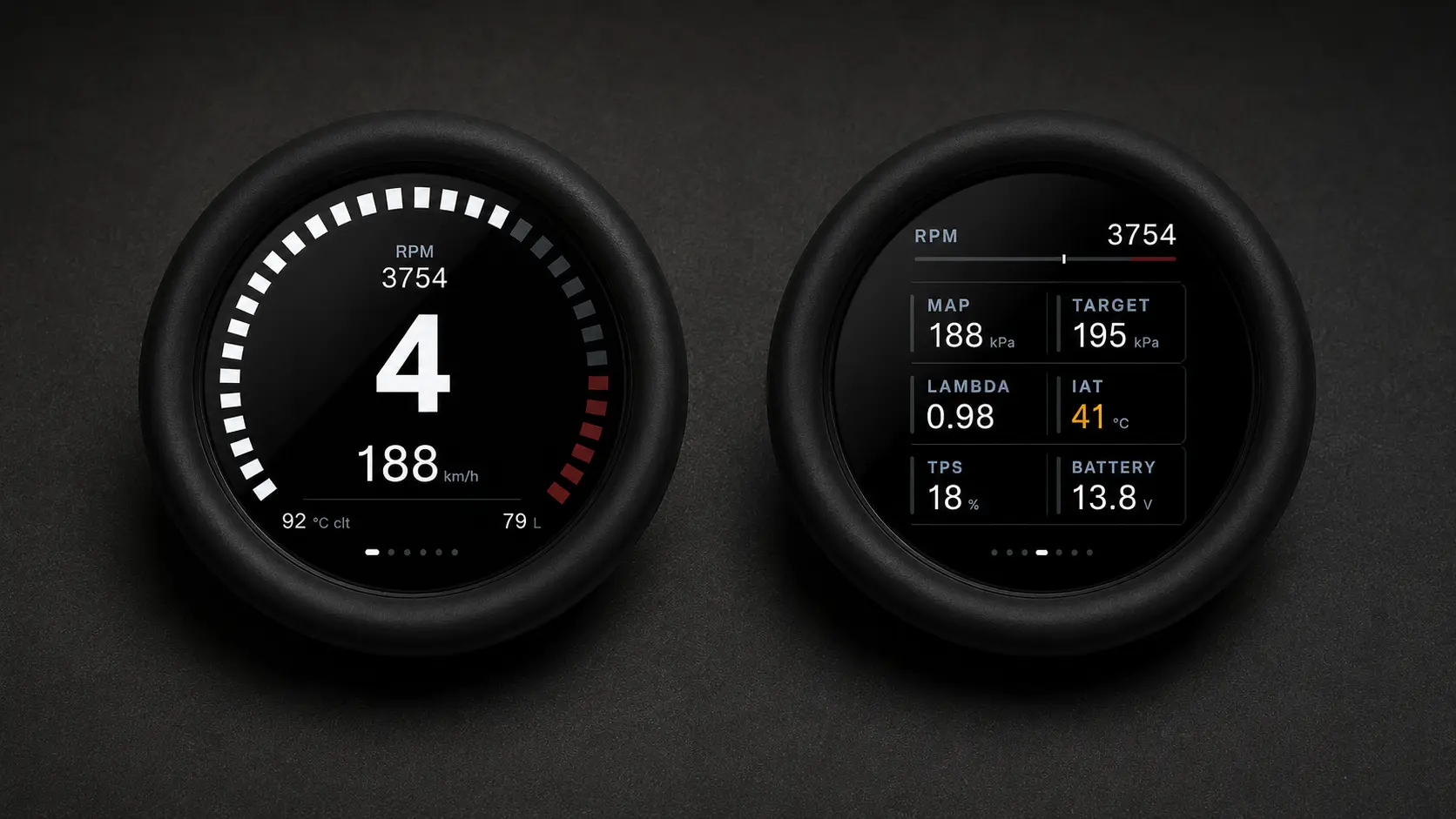
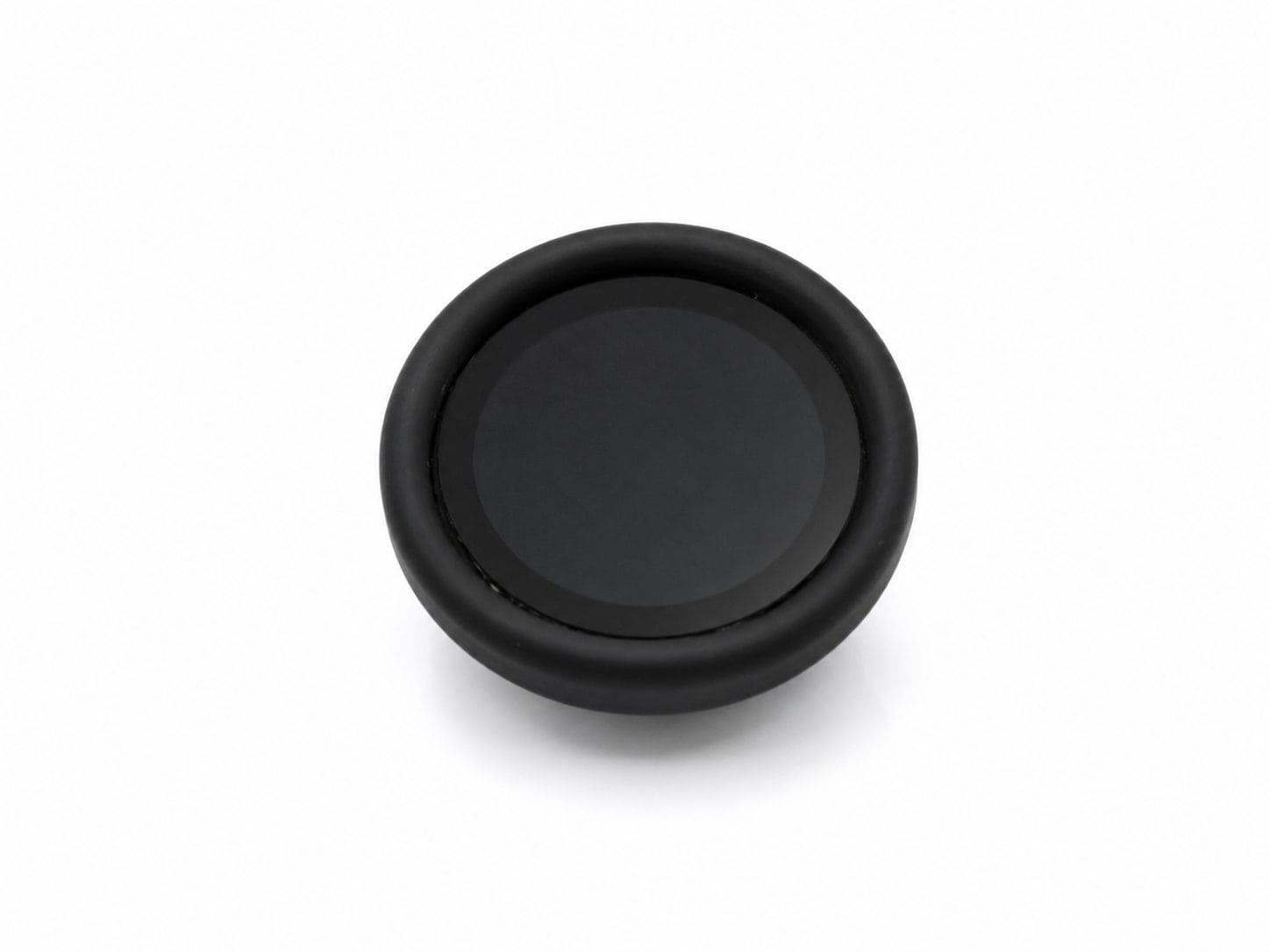
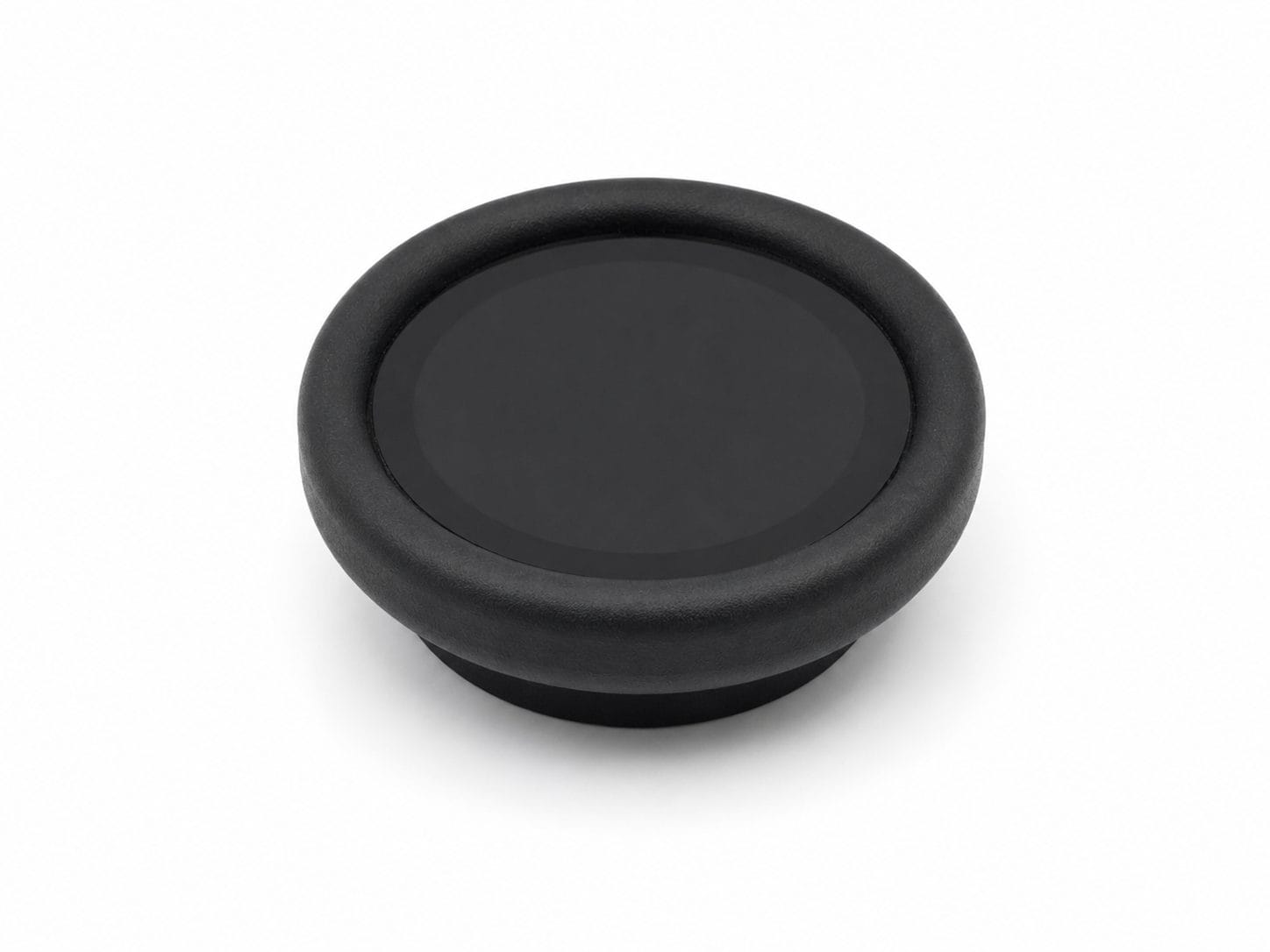
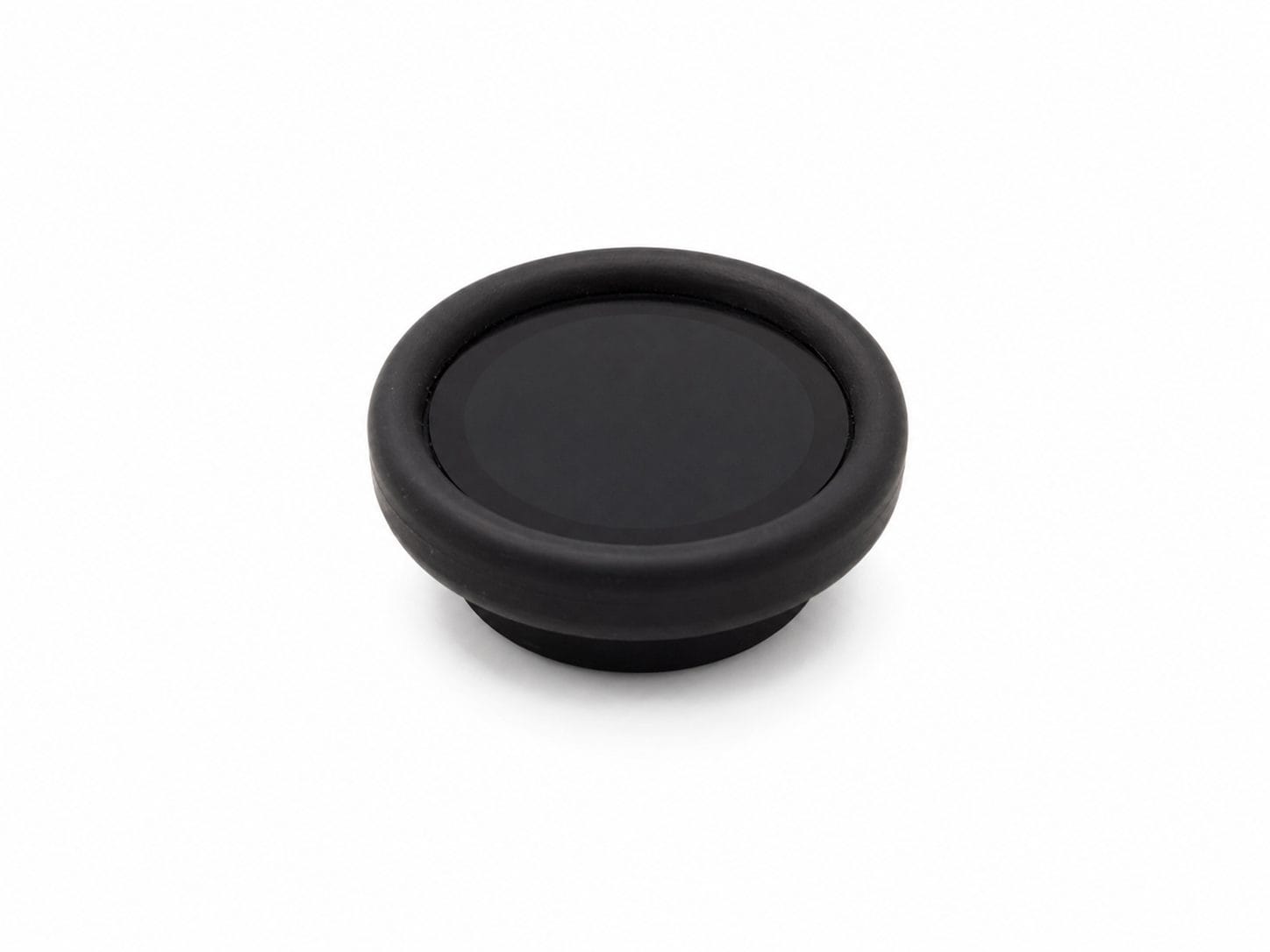
The ZF 8HP CAN display by RM Racing Electronics is a compact touchscreen gear indicator and configurable CAN-bus dashboard for ZF 8HP transmission conversions, standalone ECUs, race cars, engine swaps, and custom automotive installations. It displays current gear, transmission mode, RPM, speed, temperatures, pressures, lambda, and other live ECU data on a 1.85-inch circular touchscreen.
CLICK HERE FOR TECHNICAL DOCUMENTATION AND INSTRUCTIONS
🔧 Product Overview
The Round CAN Display combines several functions in one compact gauge:
- Large digital gear indicator
- Live engine and transmission dashboard
- Configurable CAN-bus gauge
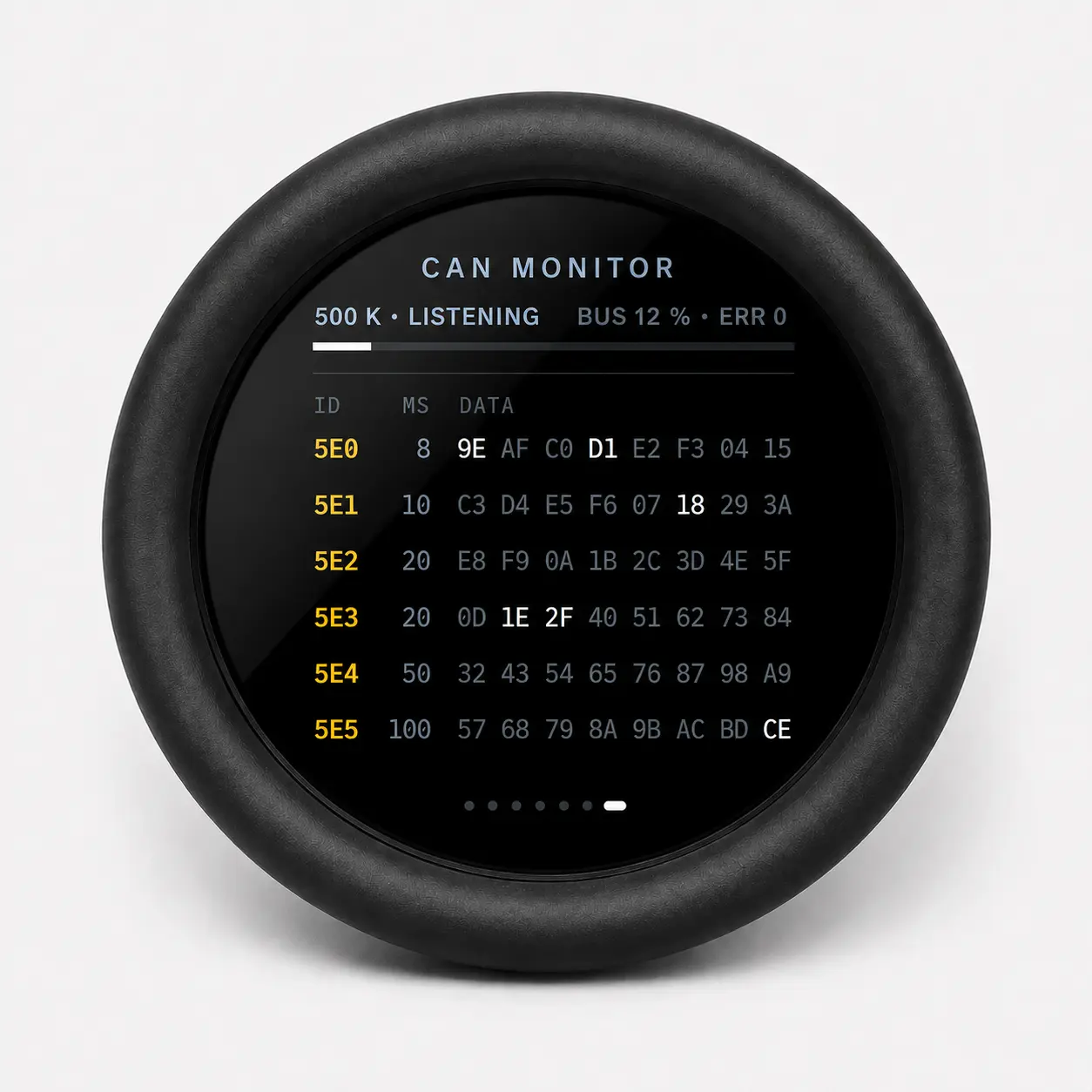
- Integrated CAN traffic monitor
- Bluetooth configuration
- Custom DBC support
- Built-in software-activated termination resistor
Its traditional round-gauge format makes it easy to integrate into dashboards, gauge pods, center consoles, and custom instrument panels.
⚙️ ZF 8HP CAN Display and Transmission Integration
The display is particularly suited to vehicles fitted with a ZF 8HP automatic transmission.
When used with a compatible ECU or transmission controller, it can display:
- Current gear
- Shifter mode
- ZF 8HP operating mode
- Transmission temperature
- Vehicle speed
- Engine RPM
- Engine torque
- Additional drivetrain data
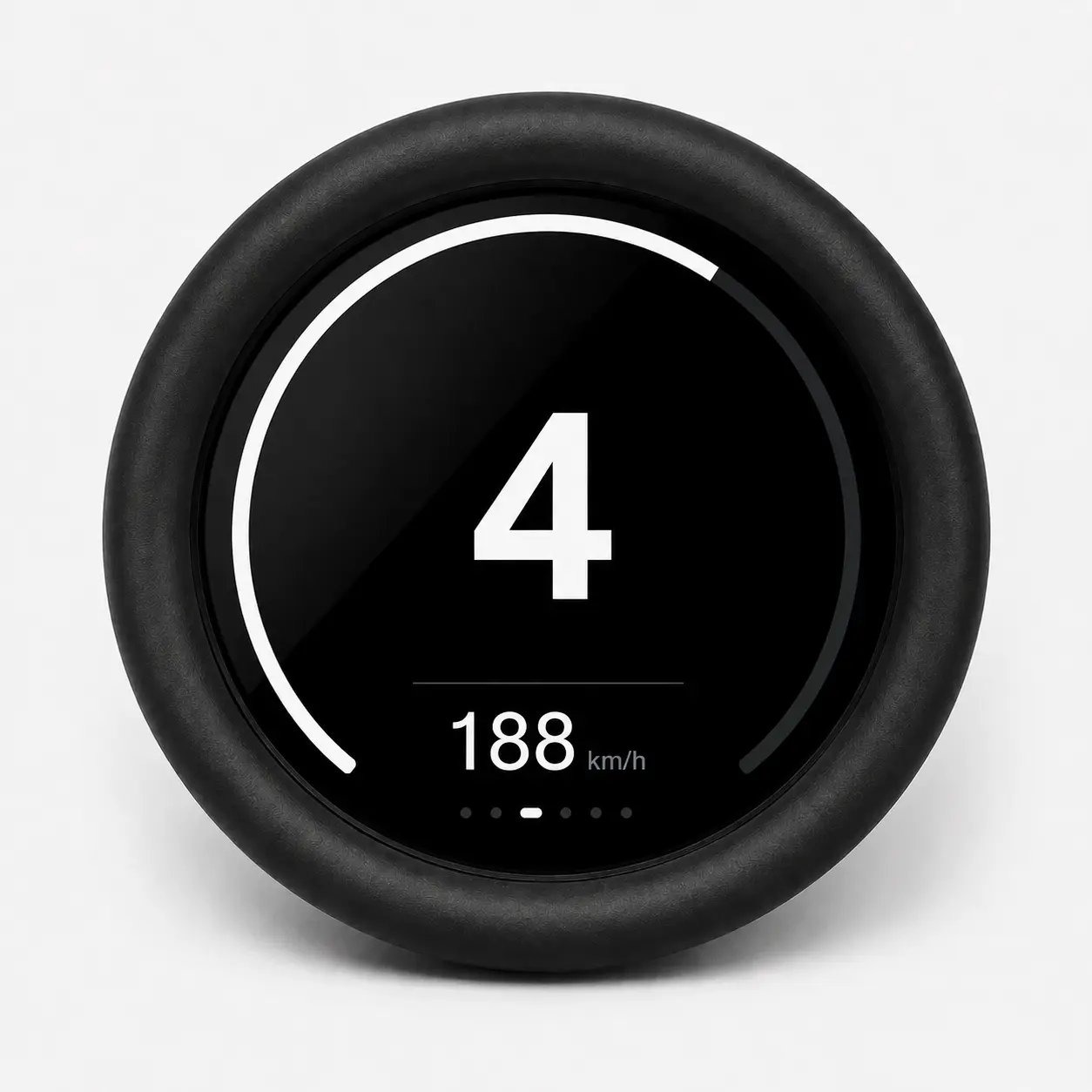
A dedicated full-screen gear page provides a large, easy-to-read gear indication for road, track, drift, rally, and drag-racing applications.
🖥️ ZF 8HP CAN Display Screens and Live Data
Swipe left and right to change screen, there are 7 pre-configured screens with different data. Most data/variables can be custom-chosen from a list.
Main Dashboard
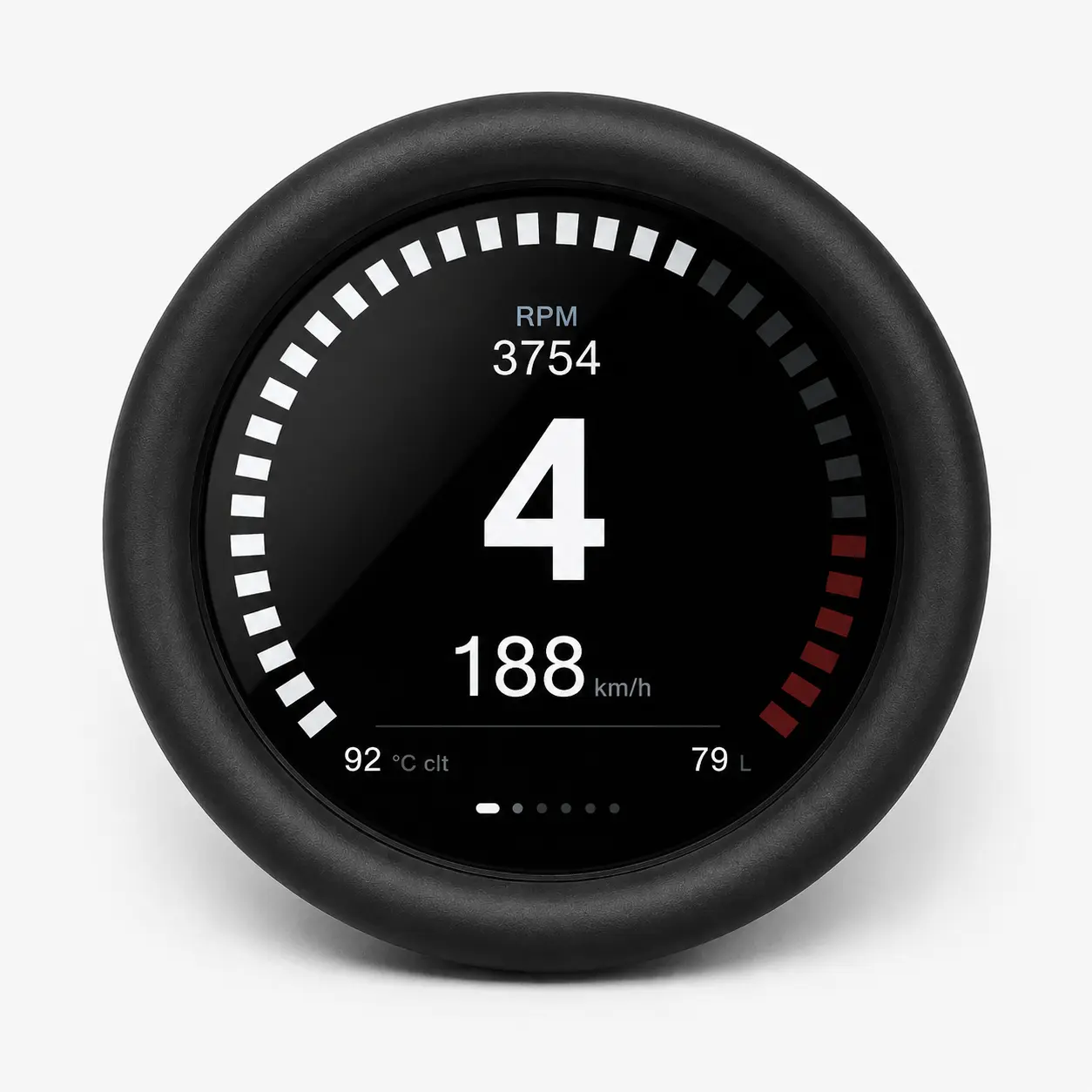
Large Gear Display + 2 fields
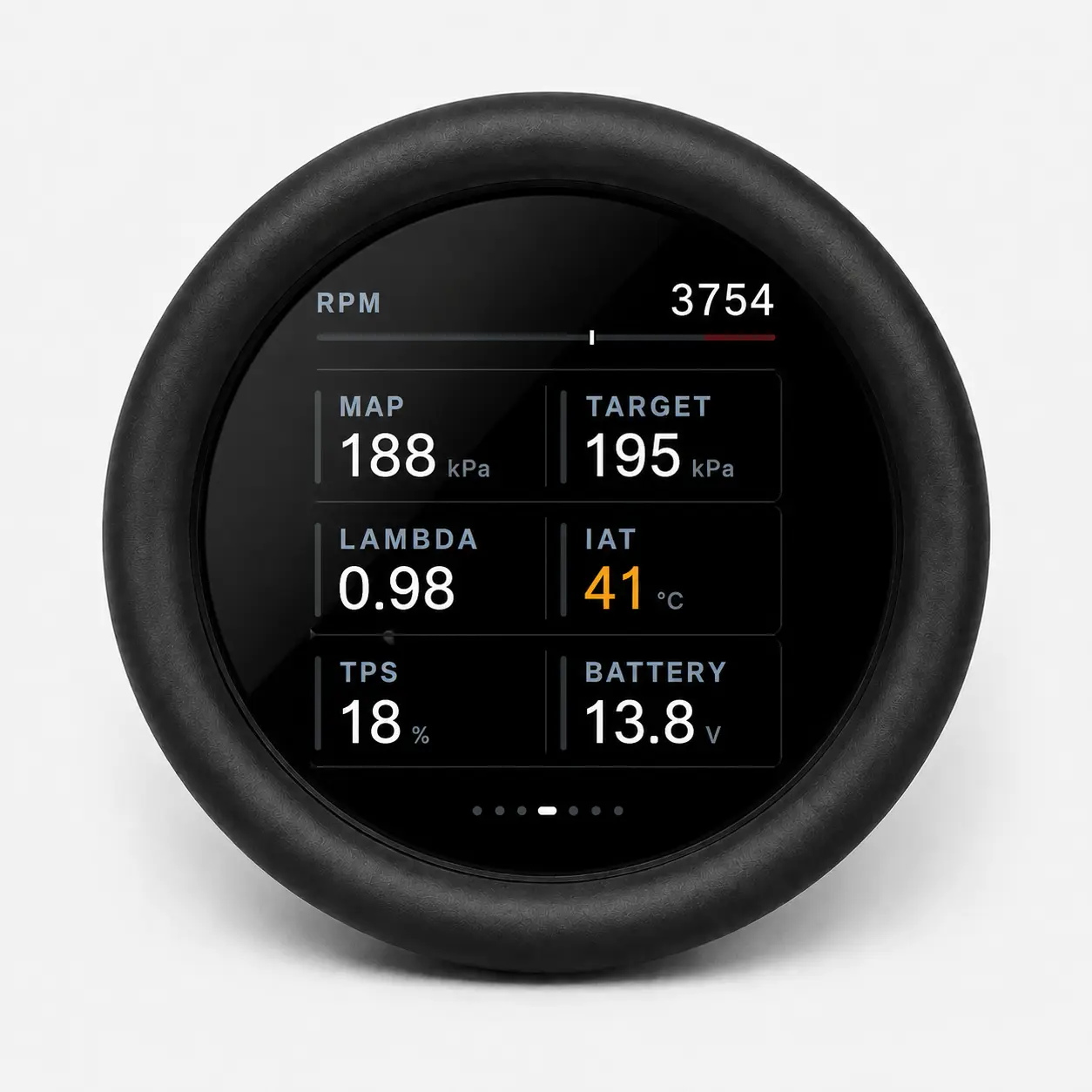
Engine Data – Fully customizable
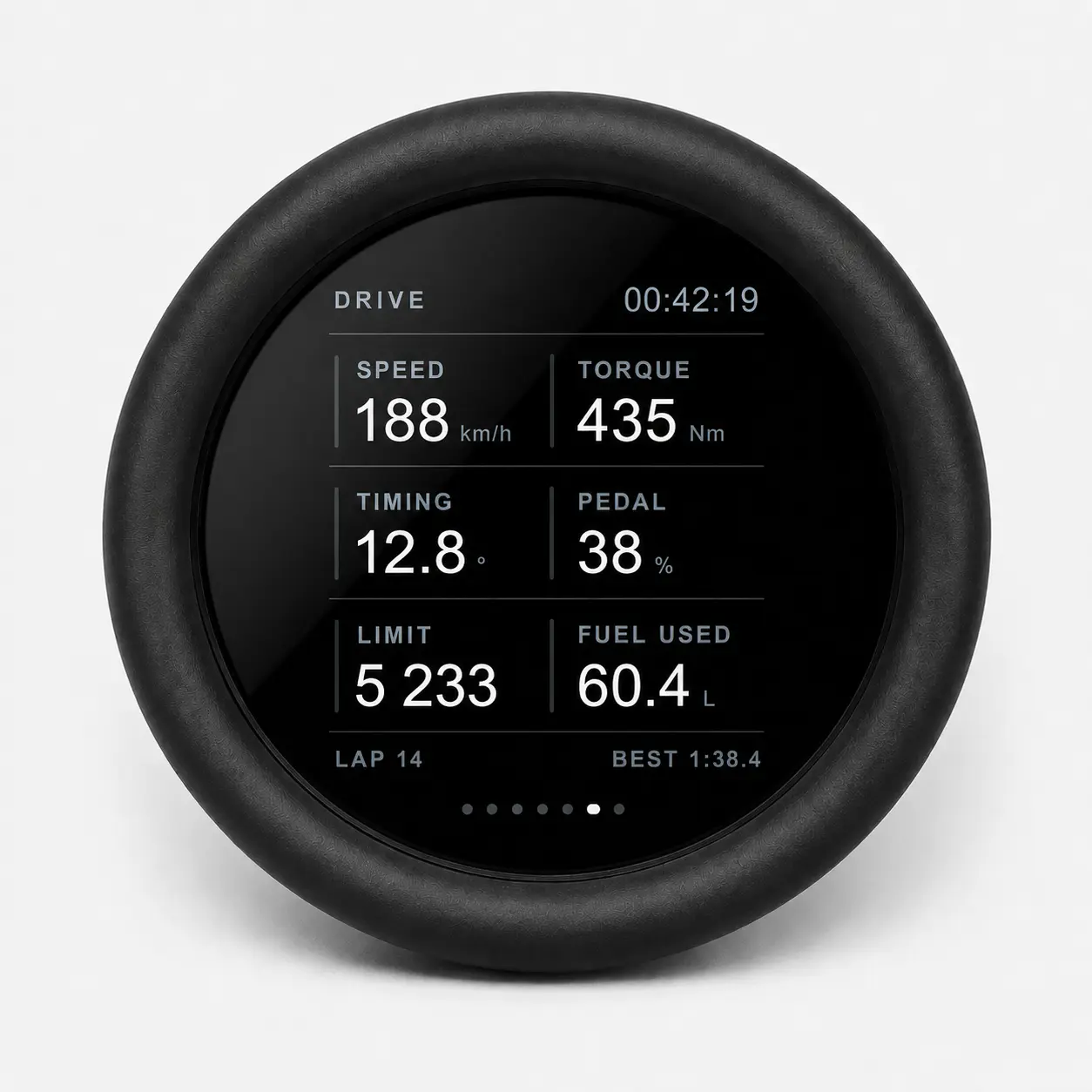
5 Fully customizable fields
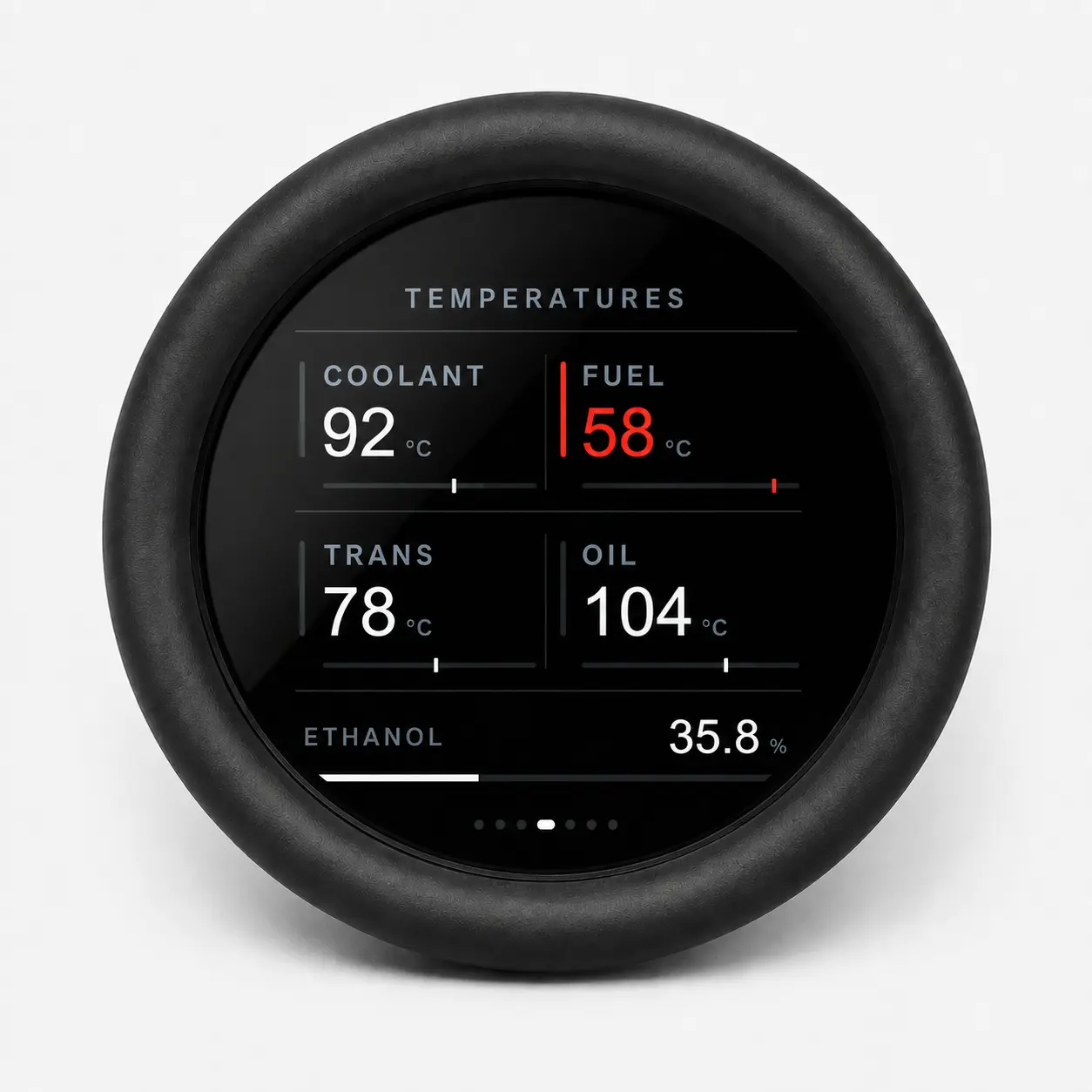
Performance Data – 6 Fully customizable fields
CAN Monitor – Live CAN Monitor, very helpful!
Settings – Protocol, Baud rate, Backlight, Termination resistor
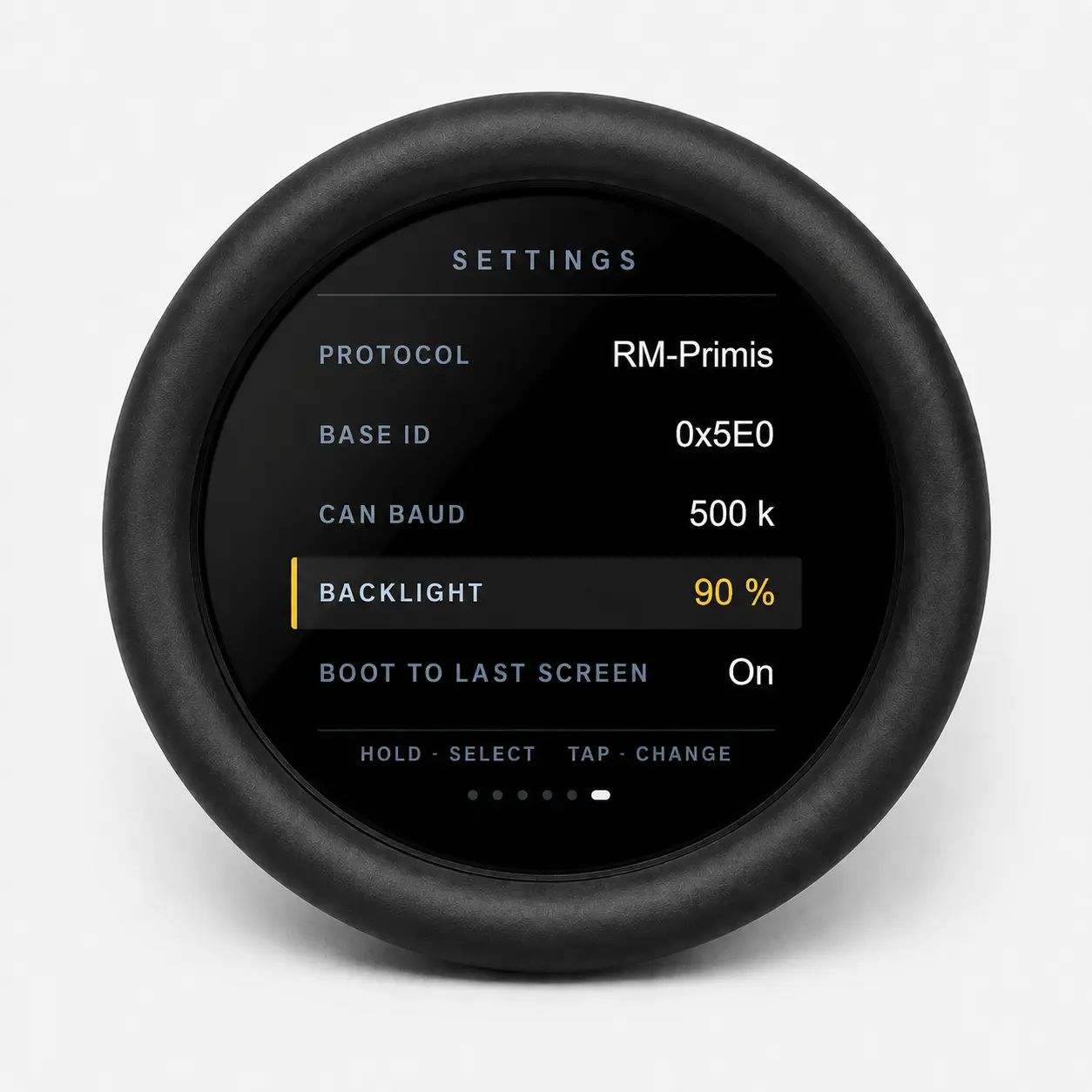
🎛️ 18 Configurable Data Positions
Screens 3, 4, and 5 provide 18 individually configurable data positions.
Tap a data box directly on the touchscreen to change the displayed parameter. Available variables automatically adapt to the selected communication protocol.
With the RM-Primis protocol selected, practical default layouts include:
- RPM
- Manifold pressure
- Lambda
- Boost target
- Intake-air temperature
- Coolant temperature
- Transmission temperature
- Throttle position
- Accelerator position
- Battery voltage
- Ignition timing
- Engine torque
- Vehicle speed
- Ethanol content
- Fuel used
- Engine RPM limit
🔌 CAN-Bus and ECU Compatibility
Built-in communication protocols include:
- RM-Primis
- MaxxECU
- OBD-II
The display also includes four Custom DBC profile slots for use with additional:
- Standalone ECUs
- ZF 8HP transmission controllers
- Factory ECUs
- Power-distribution modules
- Body-control modules
- CAN keypads
- Motorsport electronics
- Custom CAN devices
Supported CAN Speeds
- 50 kbit/s
- 100 kbit/s
- 125 kbit/s
- 250 kbit/s
- 500 kbit/s
- 800 kbit/s
- 1 Mbit/s
📱 Bluetooth Android Configuration
The RM Racing Electronics Display Config Android app connects to the display using Bluetooth Low Energy.
The app can be used to:
- Select the CAN protocol
- Configure the CAN base ID
- Select the CAN-bus speed
- Adjust brightness
- Choose startup behavior
- Enable simulator mode
- Enable or disable CAN termination
- Configure all 18 data positions
- Import and manage DBC files
- Upload custom protocols to the display
No computer is required for normal display configuration.
🧩 Custom DBC Support
DBC files can be imported through the Android app and uploaded to one of four custom protocol slots.
Each custom profile can contain:
- Up to 63 CAN signals
- Up to 63 signal groups
- Custom signal names
- Custom group labels
- Custom protocol name
- Selected CAN-bus speed
Imported signals become available for assignment to the display’s configurable data positions.
🛠️ Installation and Diagnostic Features
- Integrated CAN-bus monitor
- Electronically selectable CAN termination resistor
- Built-in simulator mode
- Non-volatile configuration memory
- Startup on the first page or last-used page
- Brightness adjustment from 10% to 100%
Simulator mode allows the screen layout and installation position to be tested without a connected ECU.
📊 Technical Specifications
| Specification | Description |
|---|---|
| Display | 1.85-inch circular touchscreen |
| Resolution | 360 × 360 pixels |
| Processor | 32 Bits |
| Communication | CAN bus and Bluetooth Low Energy |
| Built-in protocols | RM-Primis, MaxxECU and OBD-II |
| Custom protocols | Four DBC profile slots |
| Configurable positions | 18 |
| Total live data positions | 27 across five driving screens |
| CAN speeds | 50 kbit/s to 1 Mbit/s |
| CAN termination | Electronically selectable |
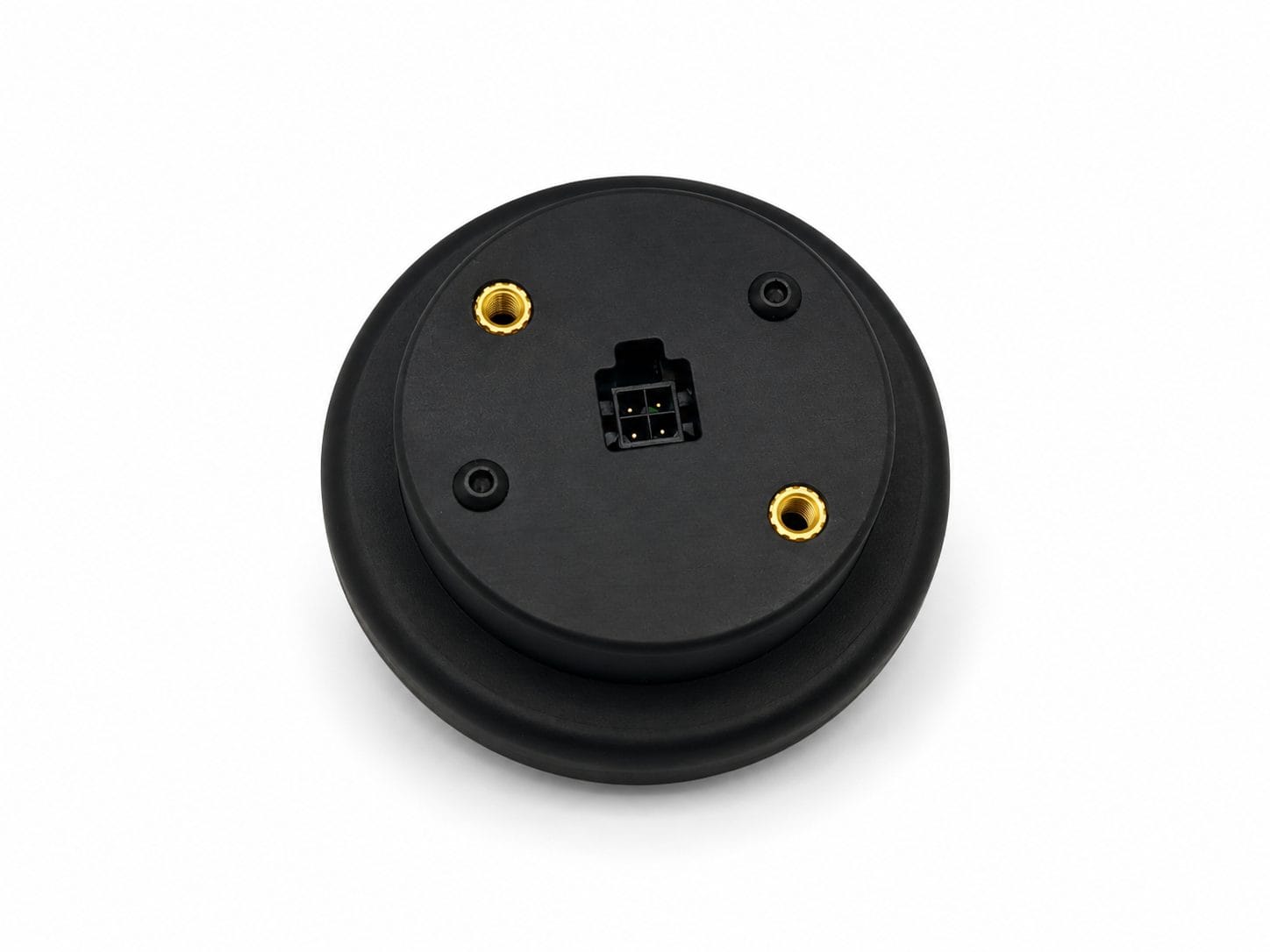
| Overall diameter | 70 mm / 2.76 in |
| Rear body diameter | 52.5 mm / 2.07 in |
| Visible display area | 50 mm / 1.97 in |
| Overall height | 27 mm / 1.06 in |
| Bezel height | 11 mm / 0.43 in |
| Rear mounting | Two M4 threaded inserts |
🏁 ZF 8HP CAN Display Applications
- ZF 8HP transmission conversions
- Standalone ECU installations
- RM-Primis engine-management systems
- MaxxECU installations
- BMW engine swaps
- Race and rally cars
- Drift and drag cars
- Track vehicles
- Performance street cars
- Kit cars and restomods
- Custom dashboards
- Motorsport CAN-bus systems
⚡ Why Choose the RM Round CAN Display?
- Dedicated ZF 8HP gear-display page
- Compact round-gauge design
- Live engine and transmission data
- 18 configurable data positions
- RM-Primis, MaxxECU and OBD-II support
- Four Custom DBC profiles
- Bluetooth Android configuration
- Integrated CAN diagnostics
- Electronic CAN termination
- Designed for motorsport and custom vehicle installations
The RM Racing Electronics Round CAN Display provides a compact and flexible solution for displaying gear position, ECU data, ZF 8HP transmission information, and custom CAN-bus signals in one professional touchscreen gauge.
This ZF 8HP CAN display provides a compact solution for viewing gear position, transmission status, engine information, and custom CAN-bus data without installing several separate gauges.